
1. Open Filezilla

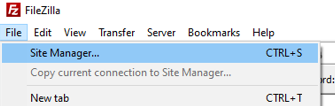
2. Go to File - Site Manager
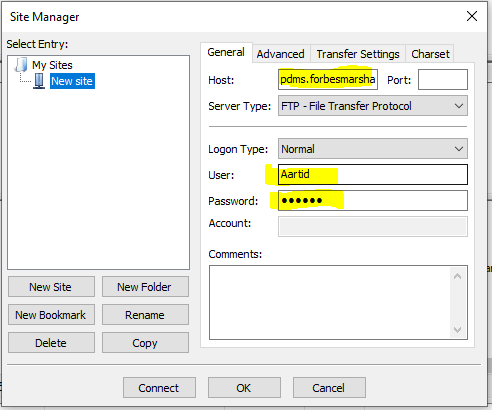
3. Fill highlighted colomns -
 4. Go to transfer settings - click on active - then click on connect
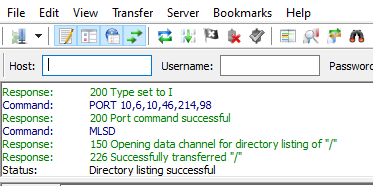
5. You will get success in response -
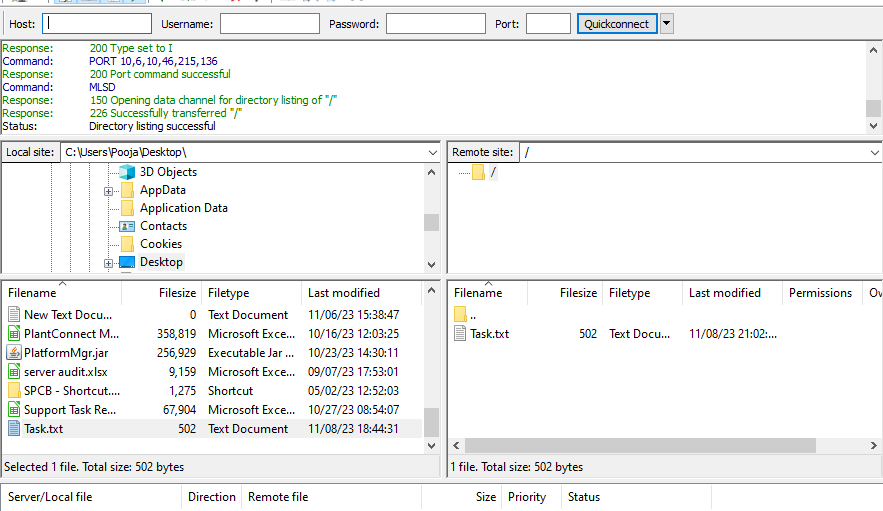
6. Copy paste test text file and verify it on FTP path.
7. Add FTP details in PLSConfig and RTDASManagerConfig file in RTDAS folder.