1. Open FileZilla Server Interface.

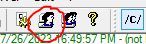
2. Then add FTP user by clicking below symbol -
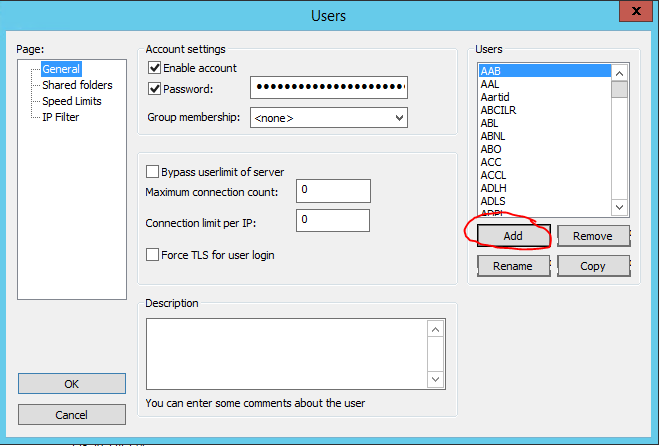
3. Then choose add option -
4. Then write user name as require -
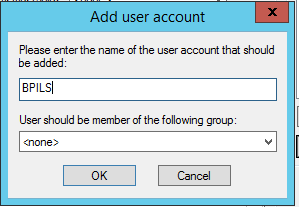
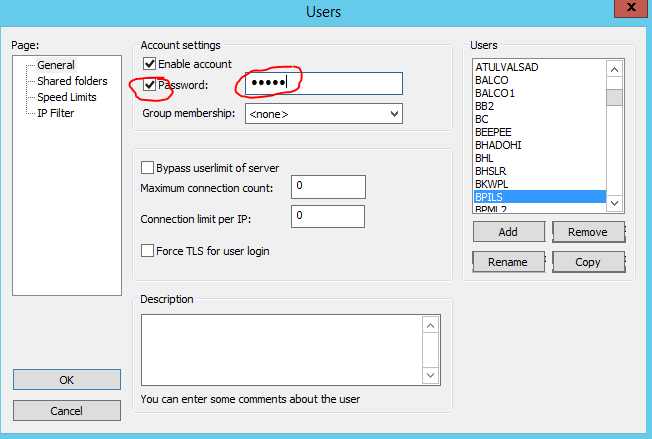
5. Then click the check box password and write password -
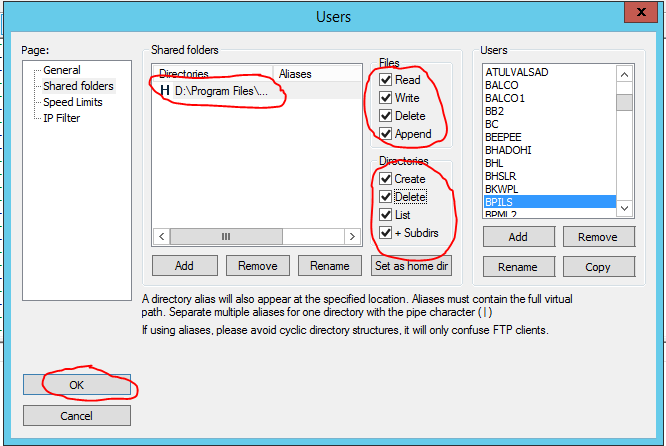
6. Then click on shared folder and add -
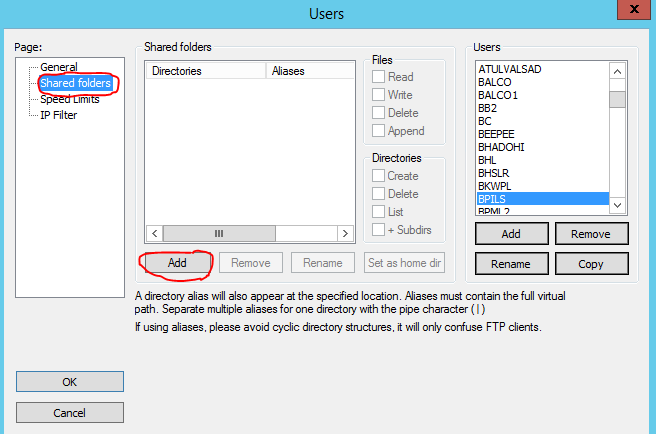
7. Select Path and give full access to folder and click ok OK.
Path - D:\Program Files\Apache Software Foundation\Tomcat 9.0\webapps\enviroconnectuppcb\APUpload\BPILS